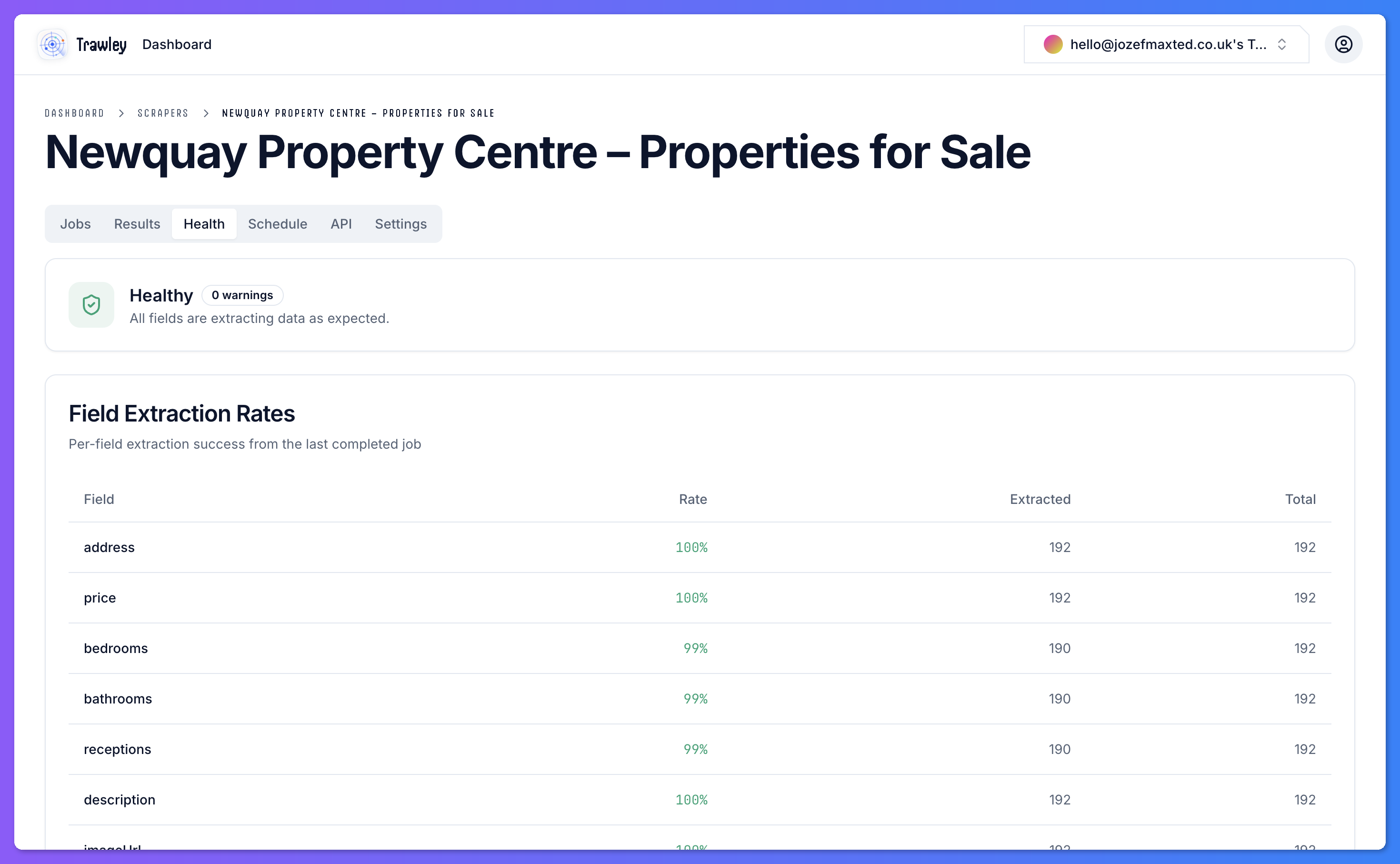
Warnings are Trawley's early signals that a scraper may not be healthy. They flag problems while you can still fix them, rather than letting a scheduled run quietly collect bad data.
What triggers a warning
A scraper can be flagged when something looks off, for example:
- A run captured far fewer items than usual.
- A field that normally has values came back mostly empty.
- The site appears to have changed in a way that affects the scraper.
What to do about one
A warning is a prompt to look, not always a failure. When you see one:
Open the scraper and read the warning
It tells you what looked wrong, such as a drop in results or an empty field.
Check recent results
Confirm whether the data is genuinely degraded or whether the source simply had fewer items this time.
Do not dismiss a warning on a scheduled scraper without checking. The whole point is to catch a problem before the next overnight run captures a page of empty records.