Websites change. When a site you scrape moves things around, a scraper that worked yesterday can start returning empty or wrong data. The doctor is the tool for putting it right, the same conversational assistant you used to build the scraper, now focused on fixing it.
When to use it
Run the doctor when:
- A job failed or returned far fewer items than usual.
- A field that used to populate is now empty.
- A warning flags that a scraper looks unhealthy.
How it works
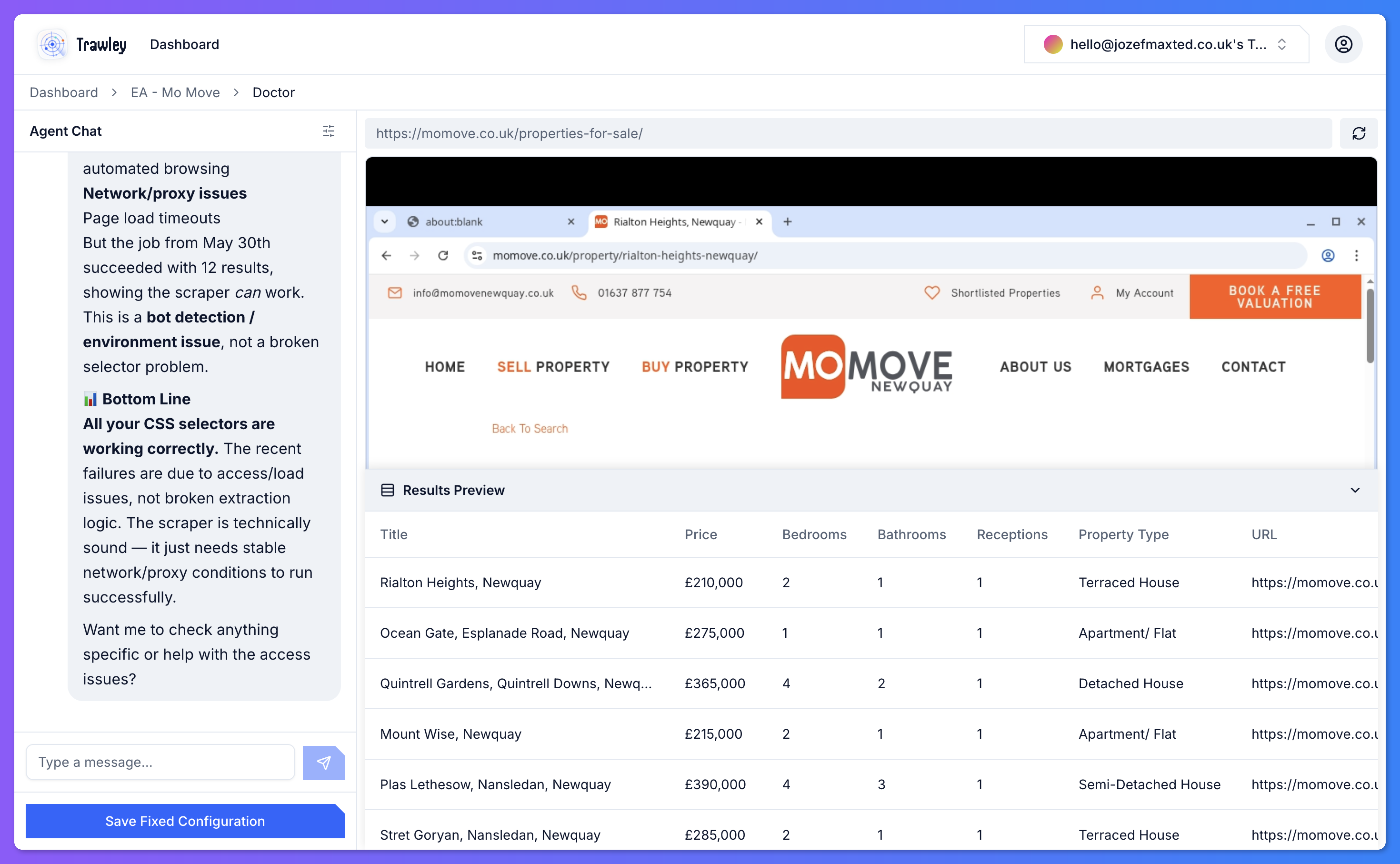
The doctor re-opens the site, compares it against your scraper's configuration, and works out what changed. Because it looks at the live page, it can tell the difference between "the site is down" and "the price moved to a different place" and propose a fix for the latter.
Fixing things
You work with the doctor the same way you built the scraper: describe what looks wrong and it re-maps the affected fields, tests them against the real page, and shows you a fresh preview. When the preview is healthy again, save and re-run.
After a fix, run the scraper once by hand and confirm the results look right before relying on the next scheduled run. A quick manual check saves a stale overnight job.