Data goes stale. Scheduling re-runs a scraper on a regular cadence so its results stay current without you remembering to press a button.
Setting a schedule
You describe the cadence in plain language, for example "every morning at 7am" or "once a week on Monday". Trawley turns that into a recurring schedule for you, so you never write a cron expression by hand.
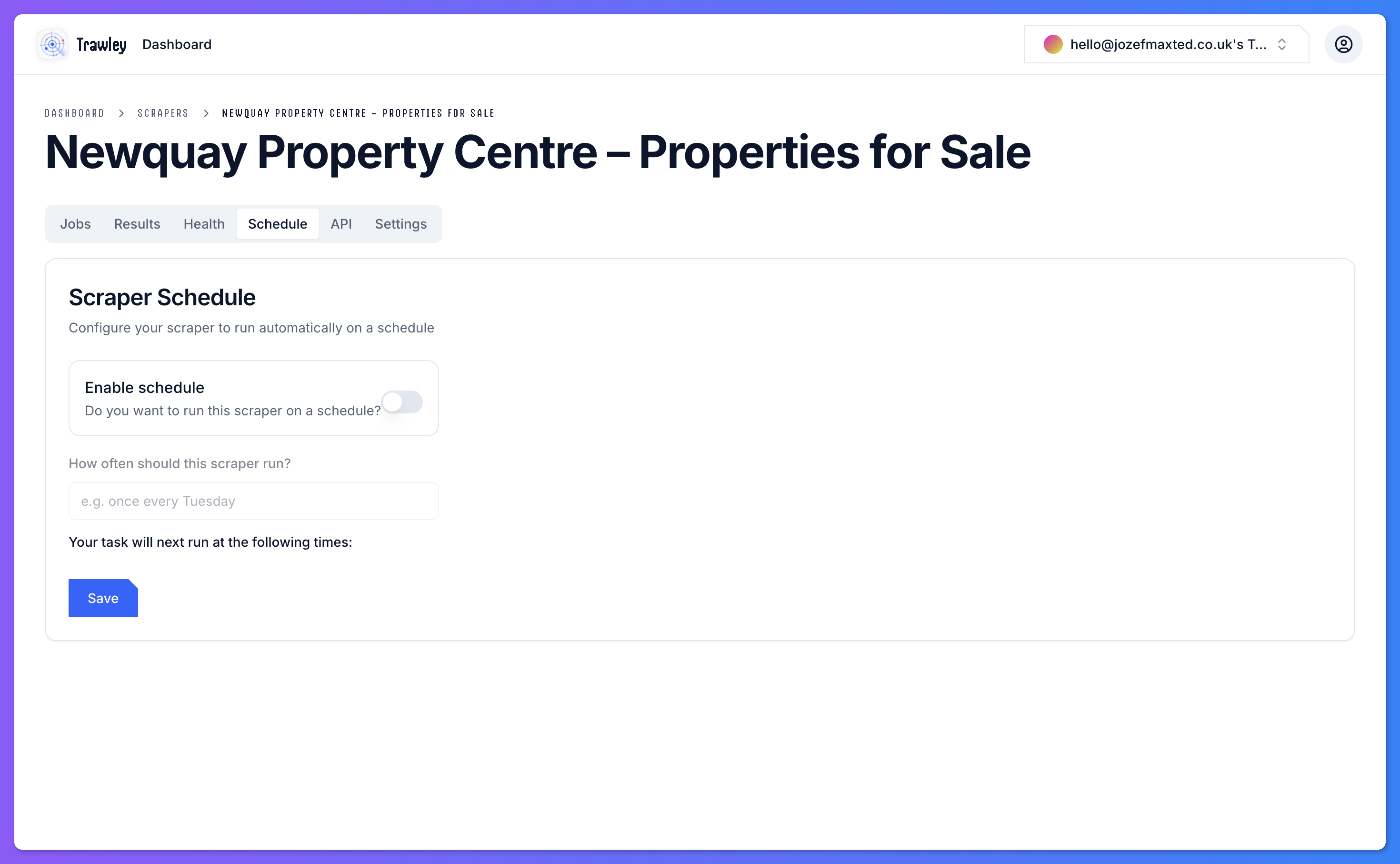
Choosing a cadence
Match the schedule to how often the source actually changes:
- Daily for fast-moving listings like property or job boards.
- Weekly for catalogues that change less often.
- Hourly only when you genuinely need near-real-time data, since each run uses your plan's allowance.
More frequent is not always better. Every scheduled run is a job that counts toward your usage. Pick the slowest cadence that still keeps your data fresh enough.
Managing scheduled runs
Each scheduled run is a normal job, so it shows up in the scraper's history with its own status and logs. You can change or remove a schedule at any time, and still run the scraper on demand whenever you want.