After a scraper runs, its results are ready to browse in the dashboard. Each result is one item the scraper captured, with a value for every field you defined.
Browsing
Open a scraper to see its results in a table, one row per item and one column per field. Page through them to get a feel for what was captured.
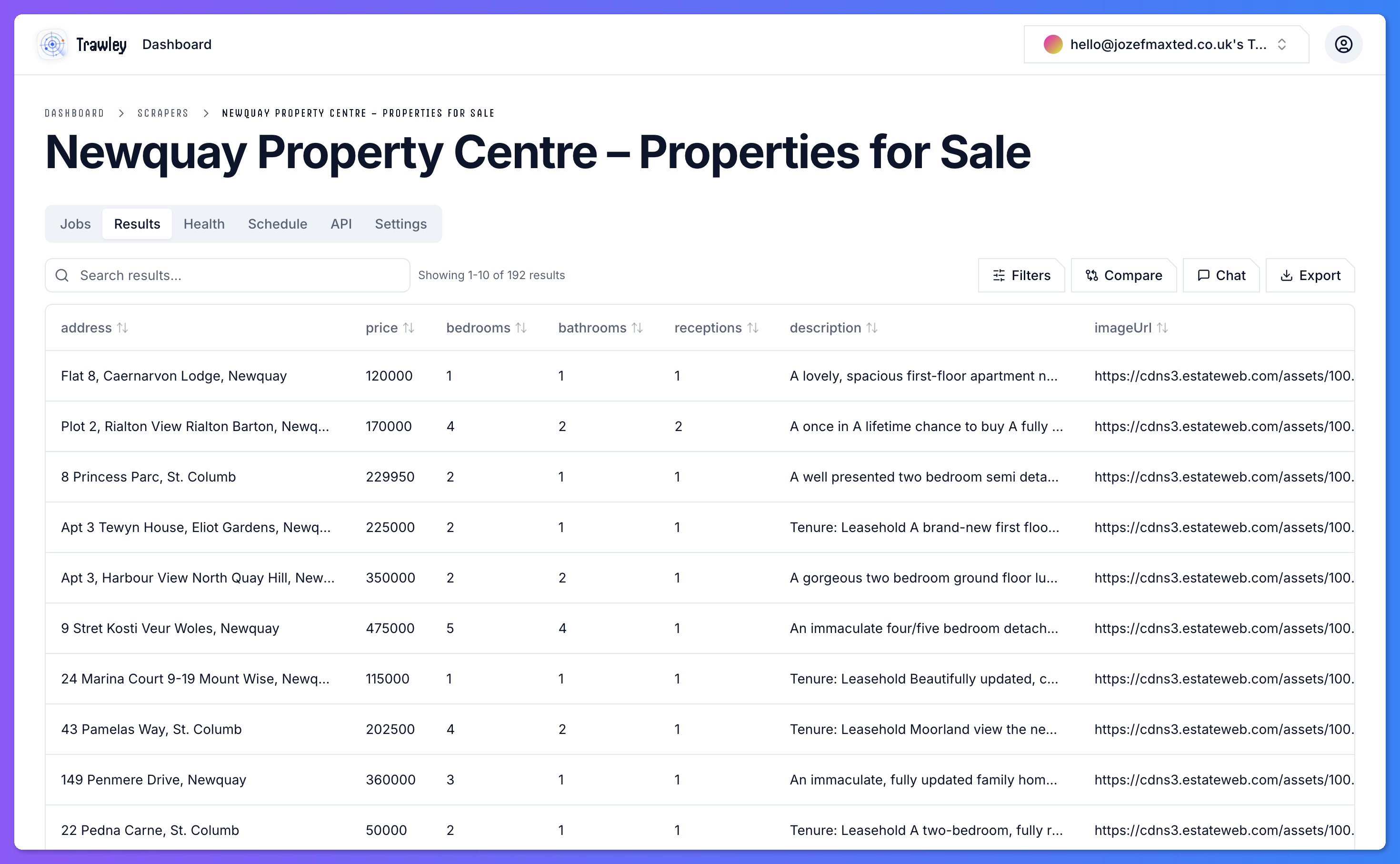
Results come from the latest run
The results you see reflect the most recent completed job. Each run refreshes the data, so what you browse is always the latest snapshot Trawley collected. To compare two runs and see what changed, developers can use the diff endpoint.
From browsing to answers
Scrolling a table is fine for a quick look, but the real power is asking questions. Instead of paging through hundreds of listings, you can search your results in plain language, or export them to work with elsewhere.