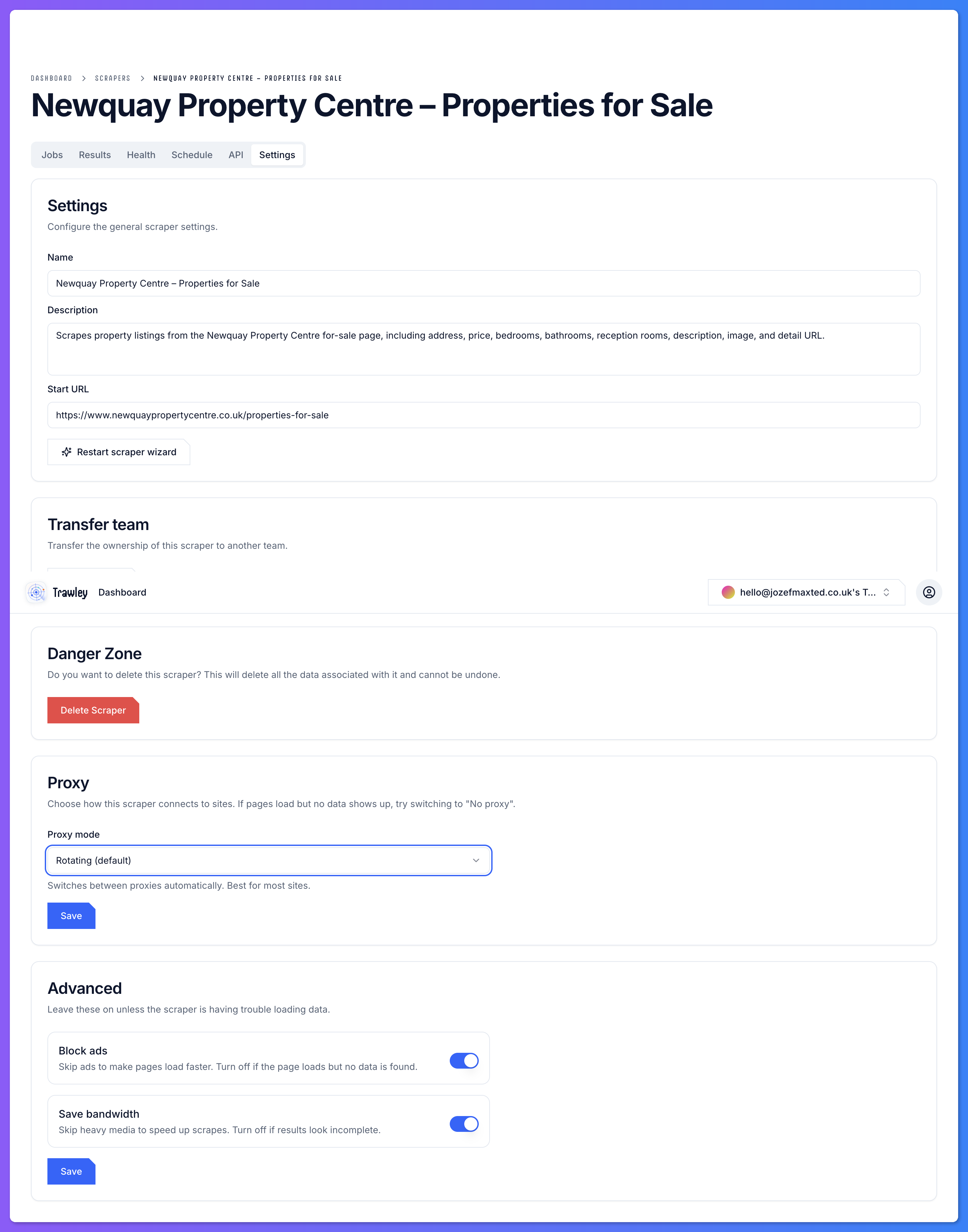
Trawley scrapes by loading a site in a real browser, the same way you would. A scraper's browser settings control how that page is loaded, which matters for sites that are slow, heavy, or particular about how they render.
When to adjust them
Most scrapers never need changes here. Reach for browser settings when a site:
- Loads content slowly or in stages, so the scraper grabs the page before it is ready.
- Behaves differently depending on how it is visited.
- Returns empty results even though the data is clearly visible to you.
A good order to try things
Confirm it is a loading issue
If results are empty but the page looks fine in your own browser, the scraper may be reading the page too early or being treated as a bot.
Adjust browser settings
Tune how the page is loaded so the content has time to appear.
Consider a proxy
If the site is actively blocking automated visits, browser settings will not help. A proxy is the right tool.