Teams are how Trawley groups scrapers and people. Your scrapers belong to a team, and the people in that team can work on them together. Billing and plan limits also live at the team level.
Creating a team
You can create a team for a project, a client, or an organisation. You can belong to several teams at once, for example a personal team and a shared work team, and switch between them whenever you like.
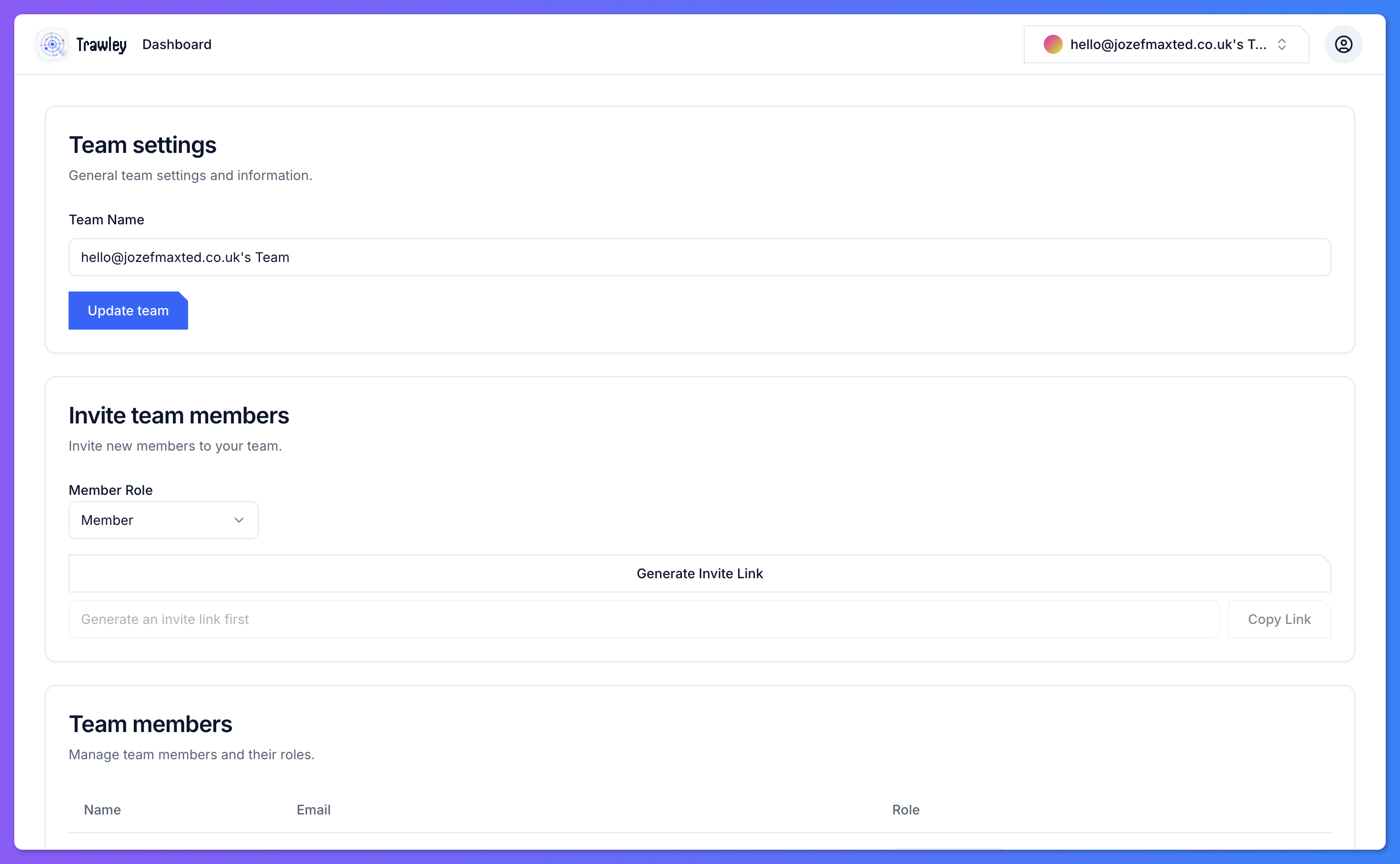
Inviting members
Invite people to a team by sending them an invitation. When they accept, they join the team and can see and work on its scrapers. This is how you share a scraper with colleagues without handing over your own login.
Open the team's settings
Go to the team you want to add someone to.
Send an invite
Invite the person. They receive a link to join the team.
They accept
Once they join, they appear in the member list with a role.
Roles
Members have roles that control what they can do in the team. Use roles to give collaborators the access they need without making everyone an administrator.
Keep the number of administrators small. Give most collaborators a role that lets them do their work, and reserve admin access for the few people who manage the team and its billing.
Switching teams
A team switcher lets you move between the teams you belong to. The scrapers, results, and billing you see always belong to the team you currently have active.