Once a scraper is saved, running it collects the data and indexes it for search. Each run is called a job.
Running on demand
Open a scraper from your dashboard and start a run. Trawley queues the work, opens the site, and captures every item. You can leave the page; the run continues in the background.
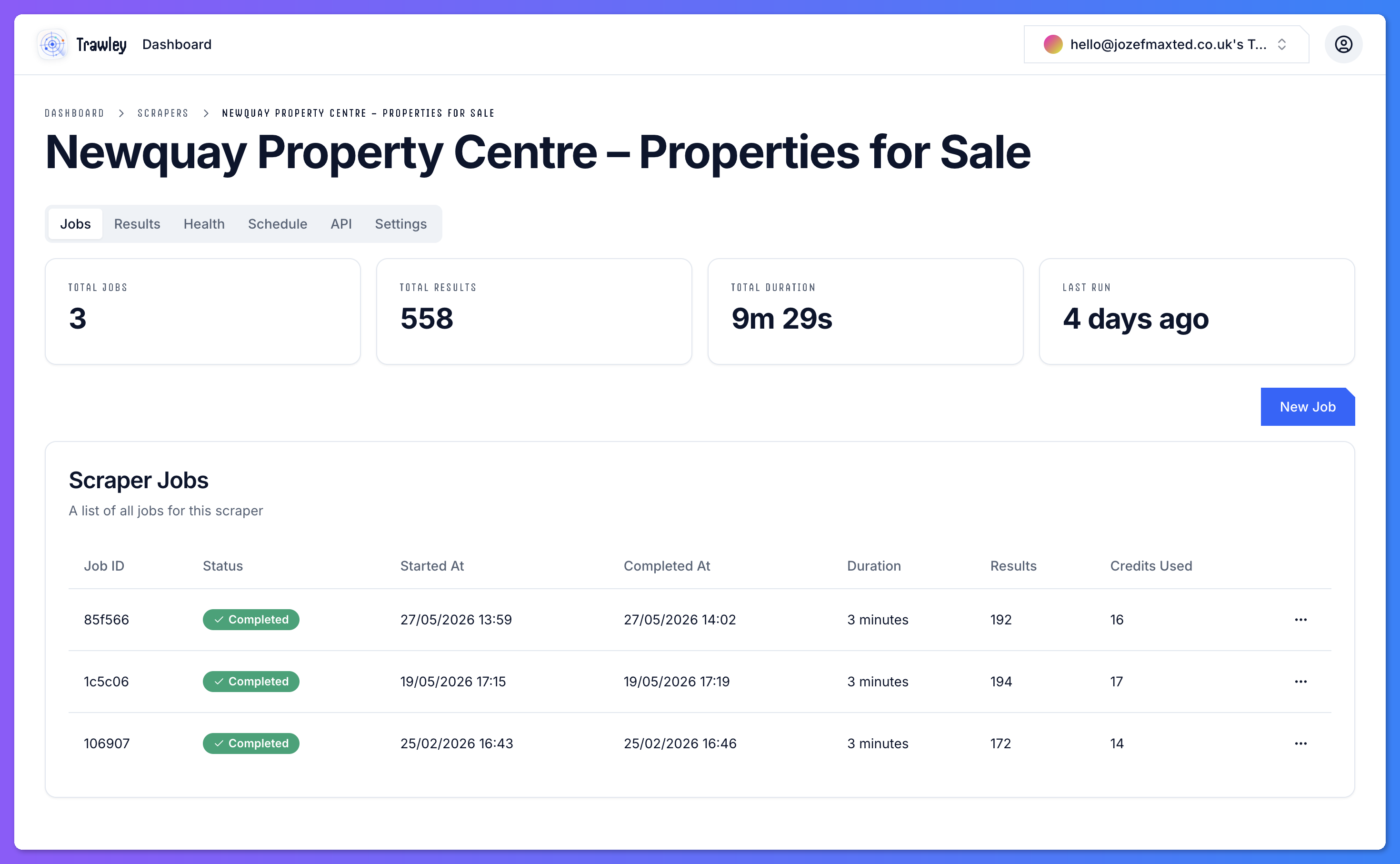
The job lifecycle
A job moves through a few states:
| State | Meaning |
|---|---|
| Pending | The job is queued and waiting to start. |
| Running | Trawley is actively collecting data from the site. |
| Completed | The run finished and results are ready to view and search. |
| Failed | Something stopped the run. Open the job to see why. |
Large sites with lots of pages or nested detail pages take longer. The job keeps running in the background, so you do not need to wait on the page.
After a run
A completed job updates the scraper's results. From there you can browse and search them, or set the scraper to re-run on a schedule so the data stays fresh.
If a run fails or the data looks off, the job logs and the doctor help you work out what happened.