Every run keeps a record. The job's status tells you the outcome, and its logs tell you the story of what happened along the way.
Reading a job
Open a job from a scraper's run history to see its status and logs.
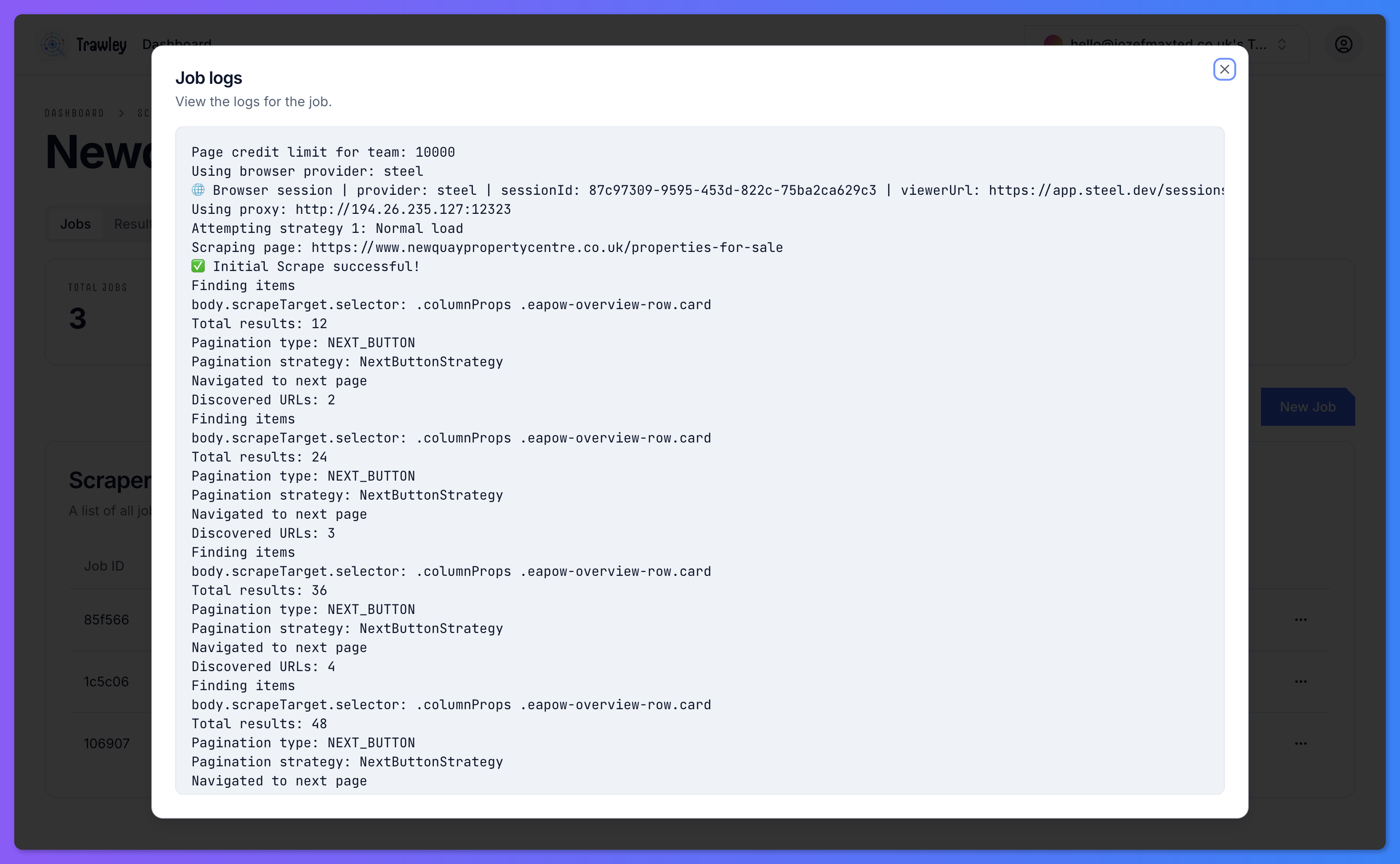
The logs show the steps the run took: the pages it visited, the items it captured, and any problems it hit. When a run does not produce what you expected, the logs are the first place to look.
When a job fails
A failed job usually points at one of a few causes:
- The site changed. The page layout moved and the scraper's mapping no longer matches. The doctor is built for this.
- The site blocked the request. Some sites refuse automated visits. Trying a proxy often gets past this.
- A temporary glitch. The site was briefly down or slow.
Retrying
For a transient failure, retry the run. If you suspect the site blocked Trawley, there is also an option to retry without a proxy (or with one), so you can quickly test whether the proxy was the issue.
If the same job fails repeatedly in the same way, stop retrying and run the doctor instead. Repeated identical failures mean something needs fixing, not another attempt.